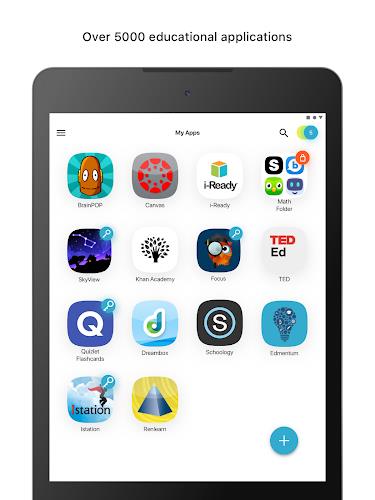
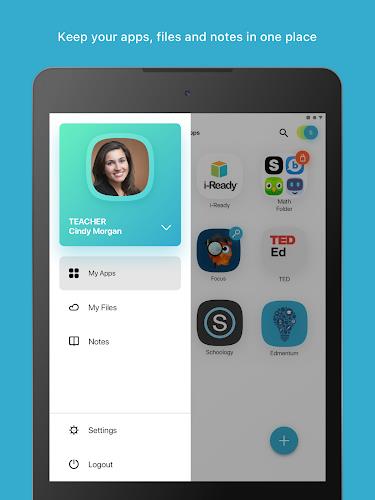
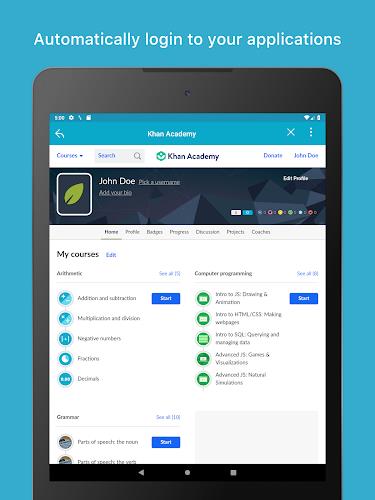
ClassLink LaunchPad lets users and staff sign in once to access organizational resources from any device, simplifying access to learning and productivity tools. The app provides personalized single sign-on and one-click access to thousands of educational and productivity applications and offers real-time access to cloud storage and mapped Active Directory folders. Note: your organization must have the ClassLink LaunchPad Web Edition enabled for this app to function.
Key Features
ClassLink LaunchPad delivers personalized single sign-on so users can reach authorized applications with a single authentication step.
One-click access provides quick entry to thousands of learning and productivity applications from a centralized interface.
Real-time access to cloud drives and mapped Active Directory folders keeps files and resources available when permissions allow.
Device-independent access supports 1-to-1 deployments and BYOD environments so multiple device types can be used without extra login steps.
Advantages
ClassLink LaunchPad reduces repeated logins and helps users and staff focus on their core tasks rather than managing credentials.
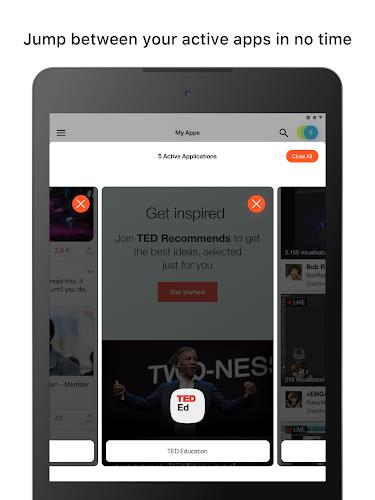
The app centralizes resources in a personalized dashboard for faster navigation to frequently used services.
It supports a wide range of device types and integrates with existing cloud storage and network folders when configured by IT.
Disadvantages
The ClassLink LaunchPad Web Edition must be enabled by your organization for this mobile app to function.
Availability of specific applications and folders depends on each institution's configuration and administrator settings.
Full functionality requires network connectivity and appropriate access permissions configured by your IT team.